
The fastest practical answer: fit a dedicated 4G/5G onboard router with a large data SIM, add a separate guest SSID, and budget a substantial monthly data volume. That combination handles the demands of Nice NCE transfers, Monaco business runs and Cannes event traffic without the constant drop-outs that plague phone tethering. For occasional or ad hoc trips, a MiFi hotspot or simple tethering works fine. For fleets running fixed 2026 rates and repeat business clients, an eSIM box or bonded router setup earns its keep. Coverage from Orange, SFR, Bouygues Telecom and Free Mobile varies sharply between city centers and autoroute stretches, which shapes almost every decision that follows.
Comparing the real options for Wi-Fi VTC en route
Every VTC operator on the Riviera eventually asks the same question: buy a proper router, or make do with a phone? The answer depends on how often you drive premium clients and how much downtime you can tolerate.
A dedicated 4G/5G router (fleet grade) is built for continuous use. It stays powered independently of a driver's handset, supports more simultaneous devices, and typically includes better antenna options.
- Reliable for full shifts, handles 8 to 10 connected devices without strain
- Higher upfront cost but lower daily friction
- Needs proper installation and a dedicated SIM plan
A portable MiFi or mobile hotspot suits drivers doing occasional airport runs rather than daily fleet operation.
- Cheap to buy, no installation required
- Battery life limits it to a few hours of continuous streaming
- Easily forgotten, charged or misplaced between shifts
Smartphone tethering costs nothing extra if your plan allows it, but drains your own phone battery and data allowance.
- Fine for a single short ride with one passenger
- Unreliable for airport transfers or groups checking flight updates
- Some operator contracts restrict or throttle tethered data
eSIM boxes built into a fixed vehicle installation offering a tidy middle ground, particularly for fleets standardizing across several vehicles.
- Clean integration, no visible hardware clutter
- Provisioning can be managed centrally across a fleet
- Setup cost is higher than a plug-in kit
Plug-in hotspot kits, such as CARLINEBOX, represent an established market segment aimed at making onboard Wi-Fi close to plug-and-play. It is worth noting as an in-market example rather than a superior choice; the practical trade-offs against a proper fleet router remain the same regardless of the brand fitted.
Whichever hardware you pick, the underlying network still depends on which operator you choose, and that choice behaves differently in central Nice than it does on the A8 towards Italy.
How much Wi-Fi really costs: hardware, plans and hidden fees
Budget for two separate costs: the hardware and the monthly plan. A capable router has a moderate hardware cost, and a data SIM sized for regular passenger use involves a monthly fee, according to industry cost breakdowns for VTC connectivity. One hour of HD streaming consumes a few gigabytes of data, so a driver running four or five airport transfers a day with passengers streaming or on video calls will comfortably land in the 100 to 200 GB comfort band most operators recommend.
Several costs catch drivers off guard:
- Installation plowing if you're not fitting the unit yourself
- A voltage stabilizer or power adapter to prevent micro-reboots
- An external antenna for weak-signal areas
- Overage charges once you exceed your plan's fair-use threshold
- Theft, damage or replacement of the unit itself
- Time lost troubleshooting a dropped connection mid-journey
Read your operator's terms carefully. Many contracts throttle tethered or hotspot data differently from standard mobile browsing, and some cap the total hotspot allowance well below the headline data figure.
Coverage and speed realities across the Riviera
Central Nice, Cannes and Monaco enjoy strong 4G and 5G coverage from all four major operators, and passengers notice rarely a dip during short urban hops. The picture changes once you're on the A8 autoroute or heading into the hills towards Valberg or Isola 2000, where signal strength fluctuates and handovers between towers occasionally cause a brief drop.
Tunnels, underground parking structures and the border crossing near Ventimiglia are the three weak points every Riviera driver eventually encounters. A run from Nice NCE to Monaco, roughly 30 kilometers and 35 to 45 minutes depending on traffic, will typically stay solid throughout, but longer transfers towards San Remo or Milan cross network boundaries where coverage briefly softens.
- Fit an external vehicle antenna to boost weak-signal reception
- Use dual-SIM or automatic operator fallback so the router switches networks rather than dropping entirely
- For fleets, WAN bonding across multiple uplinks aggregates 4G, 5G and other connections so a single weak link doesn't interrupt the passenger's session
Security, liability and what France expects from you
Passenger Wi-Fi carries real responsibility, not just a technical setup. A guest network kept entirely separate from any vehicle management systems is the starting point, alongside WPA3 encryption where your hardware supports it and a password that rotates regularly rather than staying fixed for months.
Treat the guest network the way a hotel treats its lobby Wi-Fi: open enough to feel welcoming, closed enough that nobody can reach anything beyond the internet connection itself.
A short captive portal with plain terms of use, ideally shown in both French and English, sets expectations before a passenger connects. Block access to your own local network and any admin interface from the guest SSID entirely. On data protection, keep logs to the minimum required, avoid capturing personal details beyond what's operationally necessary, and display a brief notice at pickup rather than burying terms in fine print.
- Separate guest SSID with no route to vehicle systems
- Bandwidth limits per device to prevent one passenger monopolizing the connection
- Scheduled on/off timing rather than leaving the router broadcasting when the car is parked overnight
- Blocking high-risk ports as a basic hygiene step
Fitting and powering a router without it becoming a nuisance
Mount the unit somewhere discreet in a Standard Sedan or Business Sedan, typically under a seat or within the center console area, and route cables so nothing sits within a passenger's footwell. Secure it against casual theft rather than leaving it loose on a shelf.
For power, a quality 12V socket works for most single-vehicle setups, but a hardwired installation with an in-line fuse and voltage stabilizer prevents the micro-reboots that a simple lighter socket sometimes causes over a long shift. Keep a USB-C power bank as a temporary backup only, never a daily solution.
- Change guest passwords on a fixed schedule
- Rotate or clear connection logs regularly
- Update router firmware when prompted
- Carry a spare cable and a backup SIM in the glovebox
A checklist for choosing the right setup
Answer these questions honestly before you order any hardware:
- What's your typical trip length, mostly short urban hops or longer transfers?
- Are your passengers mainly business travelers checking emails, or leisure guests streaming video?
- What percentage of your work is airport runs to and from Nice NCE?
- How many devices connect simultaneously on an average booking?
- What monthly data budget can you sustain without resentment at the invoice?
- Are you willing to commit to a permanent install, or do you need something removable?
Short urban runs with occasional single passengers rarely justify more than tethering or a low-cost MiFi. Airport transfers and longer transfers towards Saint-Tropez or Menton warrant a dedicated router with a 200 GB SIM. Fleets serving high-demand business clients during MIPIM, Cannes Lions or the Monaco Grand Prix should look at fleet-wide WAN bonding or a managed service, since converged connectivity with central management reduces the daily maintenance burden across several vehicles at once. Before signing with any operator, ask about antenna warranty terms, captive portal features, SIM overage policy, and whether tethering is explicitly permitted under the plan.
How TranspOnyx equips its Riviera fleet
TranspOnyx fits Wi-Fi across every category in its Mercedes-Benz fleet: Standard Sedan, Business Sedan, Van 7 pax and Van 8 pax. Installations are fixed rather than improvised, built for airport transfers such as Nice NCE to Monaco and Nice NCE to Cannes, and supported by 24/7 operation with 2026 fixed rates confirmed at booking.
- Bilingual drivers, flight monitoring and free waiting time on every airport pickup
- On-board chargers, air conditioning and Wi-Fi as standard across the full fleet
- Connectivity that holds up during high-demand periods like the Cannes Film Festival and the Monaco Grand Prix, when passengers expect to stay online between meetings
Reach the team directly on +33 6 10 30 71 84 or via Transponyx to see how the setup runs in practice.
What actually works on the Riviera
Reliable, discreet installs beat clever gadgets every time. A Nice NCE to Monaco transfer with a business client checking emails needs stable coverage far more than it needs novelty features, and that's the lesson most fleets learn the hard way after their first dropped call mid-journey.

If you'd rather not manage the hardware yourself
Fitting routers, chasing SIM contracts and troubleshooting dropped connections takes time most independent drivers and small fleets don't have to spare. TranspOnyx already runs Wi-Fi as standard across its Standard Sedan, Business Sedan, Van 7 pax and Van 8 pax fleet, with fixed 2026 rates and no surprise install costs passed on to the client.
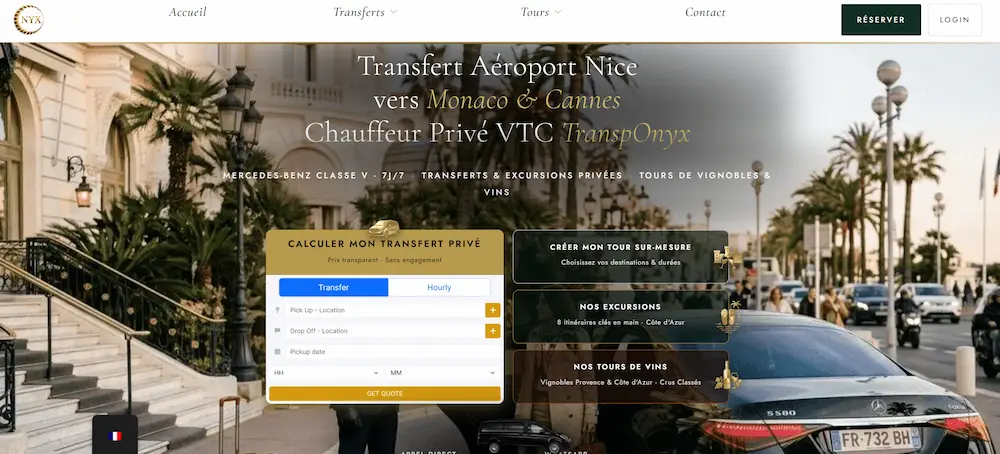
If your own fleet is weighing up a hardware audit against simply outsourcing the ride entirely, whether for a one-off Nice NCE to Cannes transfer or a recurring business account, TranspOnyx offers a comparison of luxury chauffeur services worth reviewing before you commit to your own installation budget. Get in touch on +33 6 10 30 71 84 or via WhatsApp on +33 7 67 78 10 26 to discuss a quote for your next transfer.
Sources
- Transit & Rail Wi-Fi & 5G Connectivity Solutions | Boingo
FAQ
What's the cheapest way to get Wi-Fi in France for a VTC?
Smartphone tethering costs nothing beyond your existing mobile plan, though it's only suitable for short trips with a single passenger rather than daily fleet use.
How do I connect passengers to onboard Wi-Fi in France?
Most setups use a captive portal: passengers select the vehicle's SSID, accept a short terms-of-use notice, and connect automatically without needing a password read aloud.
Where can I find free Wi-Fi in France if my onboard connection fails?
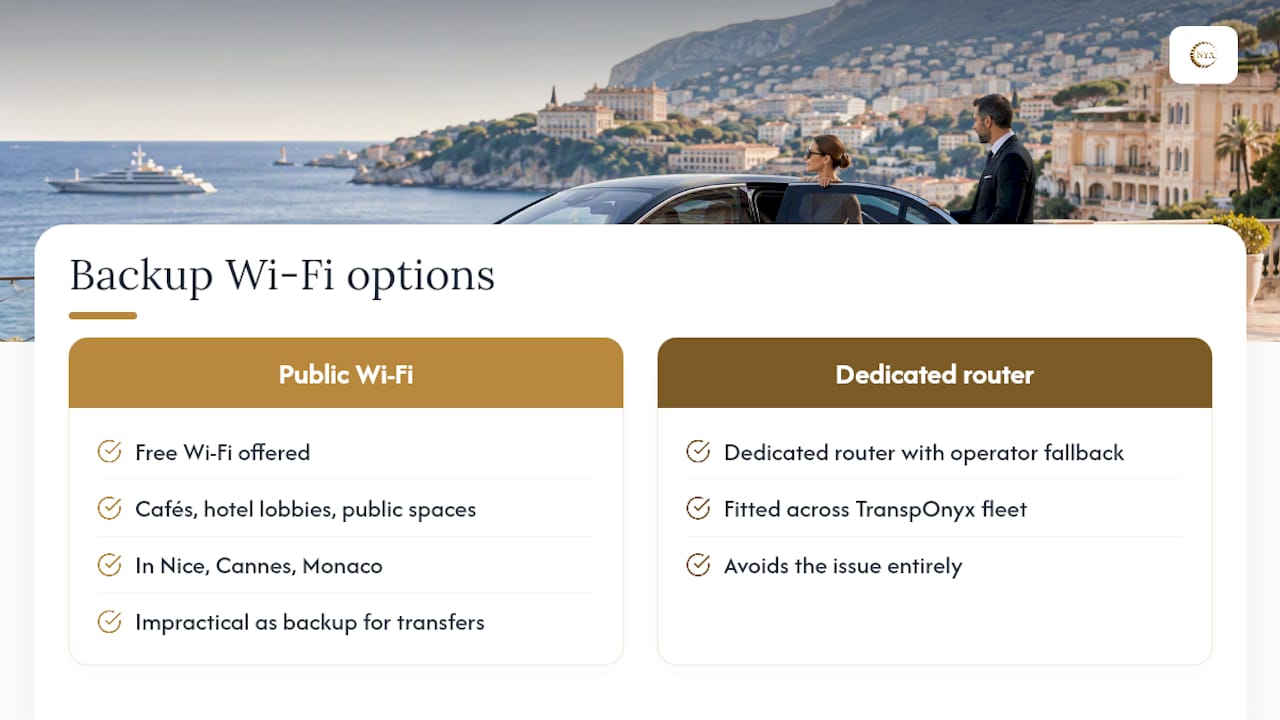
Cafés, hotel lobbies and many public spaces in Nice, Cannes and Monaco offer free Wi-Fi, though relying on this as a backup for passenger transfers is impractical; a dedicated router with operator fallback, as fitted across the TranspOnyx fleet, avoids the issue entirely.
Is tethering allowed under French mobile operator contracts?
It depends on the plan; some Orange, SFR, Bouygues Telecom and Free Mobile contracts restrict or throttle tethered data, so check the fine print before relying on it commercially.

0 Comments